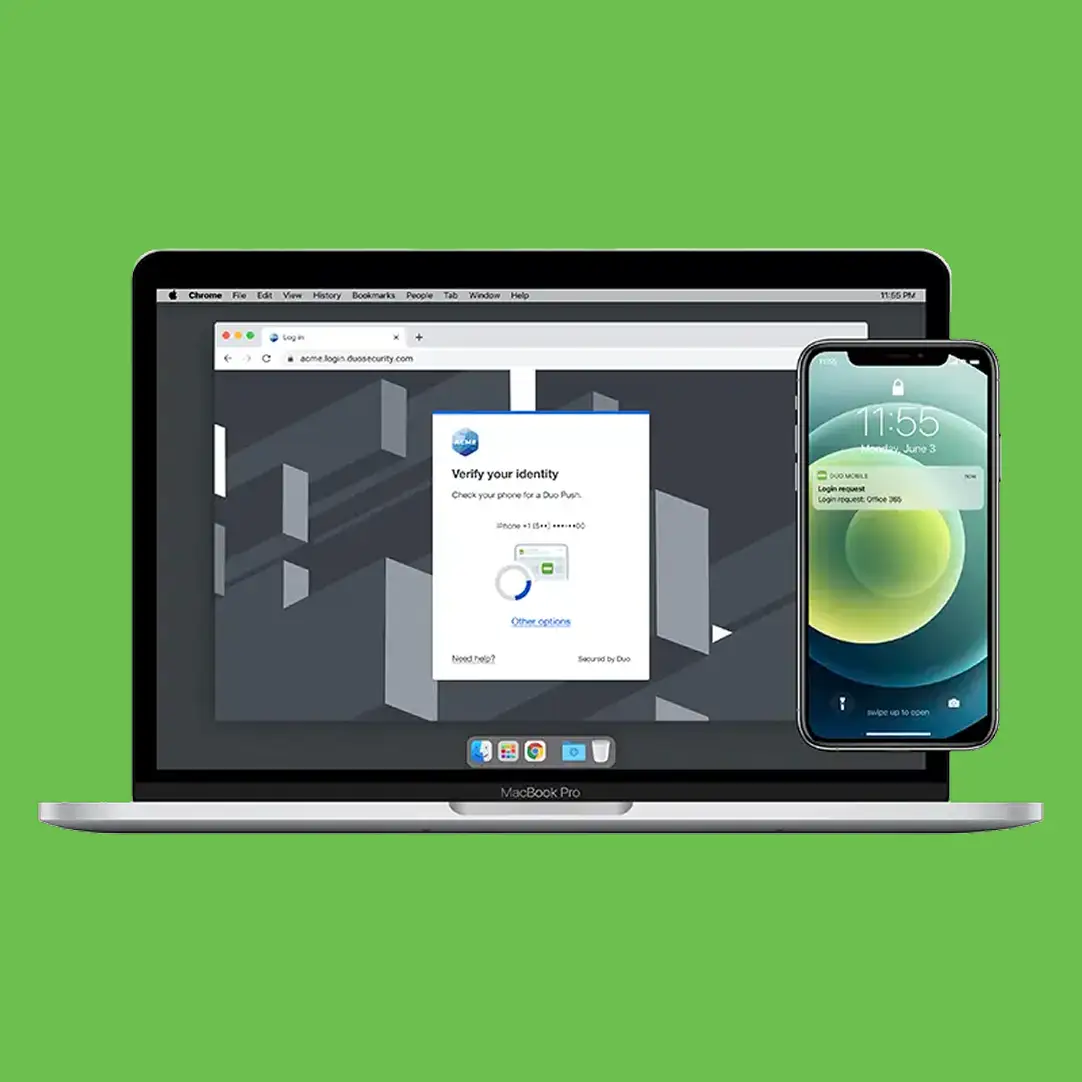
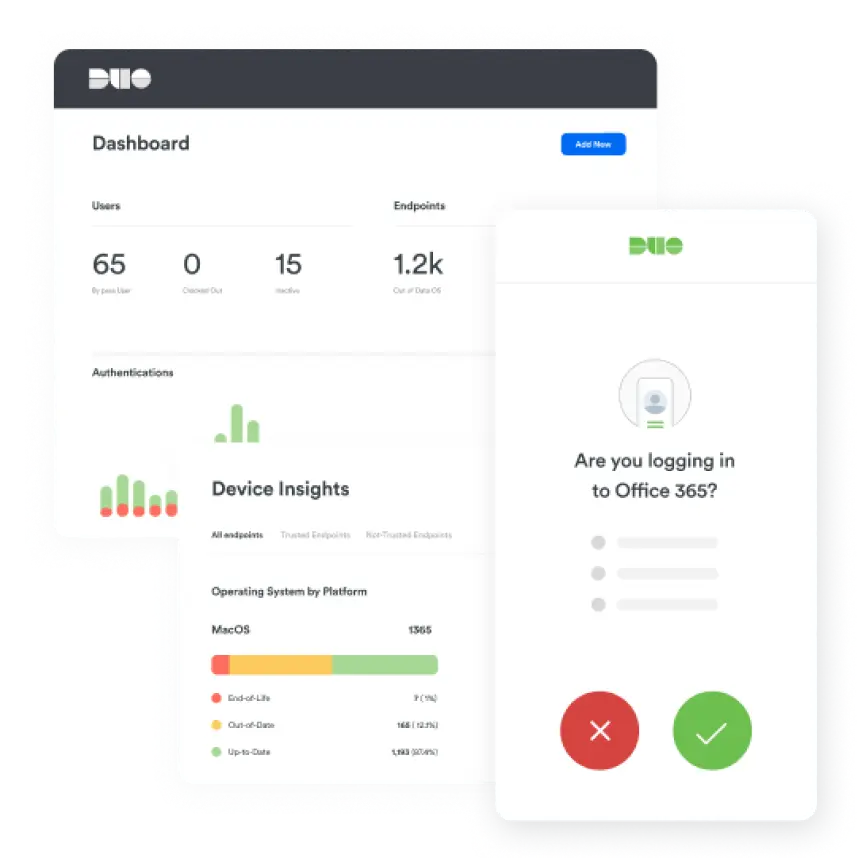
Interactive demo of Multi-Factor Authentication (MFA) with Duo Push
This step-by-step demo of Duo’s MFA product shows how easy it is to ensure only trusted users and devices access your applications.
Demo Instructions
The Duo Multi-Factor Authentication demo will load in the area below. It is optimized for desktop viewing and, depending on your connection speed, it may take a few seconds to load.
To start the demo, click anywhere in the image below to highlight the area to click. This will typically be a button or a text link. Your curser will change to a hand icon when you hover over the correct element. Click on it.
When you are ready, click on the active element in each step to move to the next screen. Remember, you can click anywhere on the image to highlight where to click. Some screens have more than one clickable item so that you can explore different options.
Try Duo for free
Experience award-winning security with a 30-day free trial. Whether you’re securing a small team or an entire enterprise, we’ll guide you through the right setup for your needs.